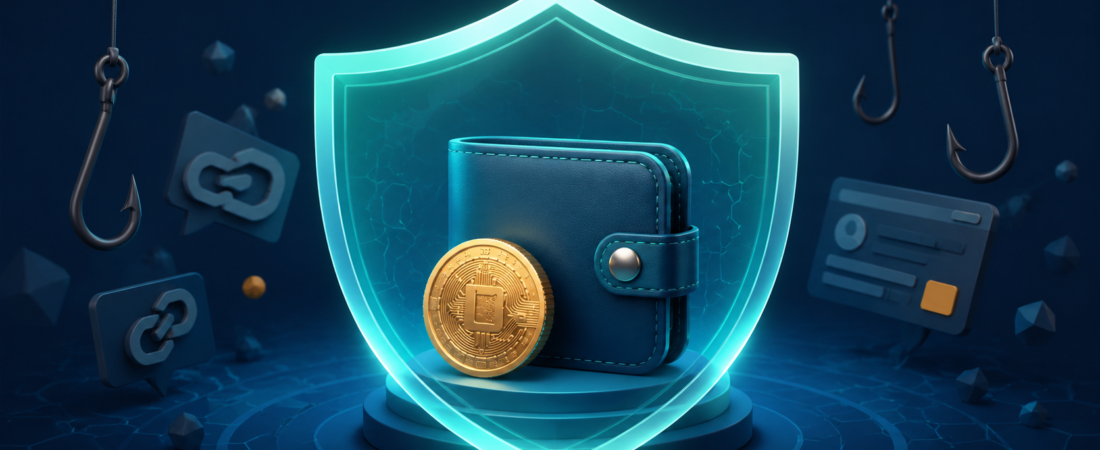
Most crypto scams rely on a rushed decision, a fake identity, or a request for information that should stay private. The technology changes, but the basic warning signs are often the same. This guide shows how to spot common scam patterns before you send funds, sign a wallet request, or share account details.
The safest rule is simple: never share a recovery phrase or private key, and do not approve a transaction you do not understand. Read the Crypto Security guide before using a new wallet, exchange, token, or application.
Pause when a message asks for urgency
A real service does not need your recovery phrase. A genuine support team does not need remote access to your device. Slow down, open the official website from a bookmark, and verify the request there.
The scam check before any crypto action
Use this five point check when a link, message, offer, or wallet request arrives unexpectedly.
- Check the source. Open the official website yourself rather than using a link in a message.
- Check the request. A recovery phrase, private key, verification code, or remote device request is a stop signal.
- Check the asset. Confirm the network, token contract, and wallet address from reliable information.
- Check the cost. Do not send a fee to unlock a fake reward, account, or withdrawal.
- Check your emotions. Do not act because a message creates fear, excitement, or time pressure.
Common scam types
| Scam type | What it may look like | Safer response |
|---|---|---|
| Fake support | A social account or chat message offers help after you post about a problem | Use the official support page and never share recovery information |
| Phishing website | A link looks close to an exchange, wallet, or marketplace address | Use a saved bookmark and compare the complete domain |
| Fake reward | An unexpected token, giveaway, or claim page promises free assets | Do not connect a wallet or pay a fee to claim it |
| Impersonation | A person claims to be a founder, trader, influencer, or employee | Verify through an official channel and ignore investment promises |
| Approval request | A wallet asks you to sign or approve spending permissions | Read the request, confirm the website, and reject anything unclear |
| Recovery service | A person promises to recover lost funds for an advance payment | Keep evidence and use official reporting options instead of paying a stranger |
Fake support and phishing messages
Scammers often search social media for people who mention a wallet problem or an exchange delay. They reply first, use a familiar logo, and move the conversation into a private message. The goal is usually to make you enter a recovery phrase on a fake page or install remote access software.
Use the support route listed inside the official service website. Do not trust search adverts, sponsored replies, direct messages, or copied account names. Check the spelling of the domain and confirm that the security lock in your browser points to the intended website. A strong exchange account also needs a unique password, a protected email account, and an authenticator app. See the exchange guide for a fuller account checklist.
Wallet approval and token scams
A wallet connection is not always a payment, but it can still expose you to a harmful request. Some websites ask for a signature or permission that allows a contract to move tokens later. Read every wallet screen. If the website is unfamiliar, close it and research the name using sources you trust. Do not rely on a token name alone because scammers can copy names and logos.
Keep a small wallet for testing unfamiliar applications and keep larger balances in a separate wallet. The crypto wallet guide explains the difference between wallet types. When moving funds, make a small test transfer first and confirm the network carefully.
Investment and giveaway scams
An investment scam may promise a fixed return, special access, an automated trading system, or a private group with winning signals. A giveaway scam may say you will receive more crypto after sending a small amount first. Both rely on a promise that cannot be verified. No social profile, screenshot, or testimonial changes that risk.
Do not send money because a stranger says an opportunity will close soon. Use your own plan and compare the downside before you buy any asset. The crypto DCA calculator can help you plan regular purchases without reacting to a message or a headline. The crypto profit calculator can show an estimate, but it cannot prove that an offer is legitimate.
What to do if you think you were targeted
Act calmly and write down what happened. The best next step depends on what you shared or approved.
- If you only clicked a link, close it and do not enter any information.
- If you entered an exchange password, change it from a trusted device and review active sessions.
- If you shared a recovery phrase, move remaining funds to a new wallet created on a clean device.
- If you approved a wallet request, stop using the website and review permissions before sending more funds.
- If funds moved, save transaction IDs, wallet addresses, screenshots, and messages. Report the issue through the relevant platform and local authorities.
Do not pay a person who contacts you after a loss and promises recovery. A second scam often follows the first one.
Build habits that reduce scam risk
Save official websites as bookmarks. Use a password manager. Keep recovery information offline and private. Turn on account alerts. Review wallet addresses one character at a time for important transfers. Take your time before approving any request. These habits are more valuable than trying to identify every new scam style.
Use the gas fee tracker to plan network costs before a transfer and the crypto taxes hub to keep records afterward. Good records can help you understand a transaction if you need to review it later.
Final takeaway
Crypto security depends on careful choices before a transaction is sent. Reject requests for recovery information, verify services through official routes, and pause when an offer creates urgency. For a complete safety routine, continue with the wallet safety checklist or return to the guides library.